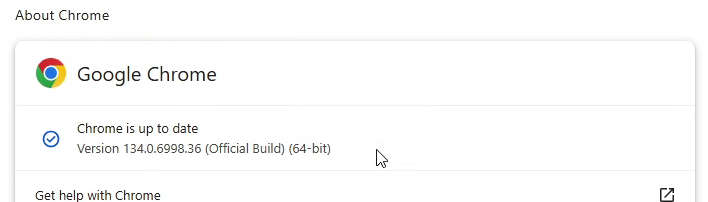
Let me show you, how to find Google Chrome program version.
(Click on the individual step or triangle to hide or show the details (images, info, …))
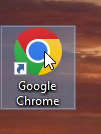
Step 1: Open Google Chrome web browser
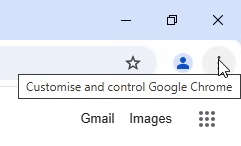
Step 2 Left mouse button click on 3 dots button to open the menu.
Step 3 With mouse cursor go over the
Help.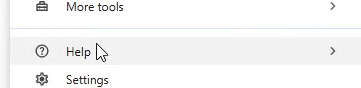
Step 4 Left mouse button click on
About Google Chrome.
Step 5 On the
About Chrome page check the version number for the browser.