(Click on the individual step or triangle to hide or show the details (images, info, …))
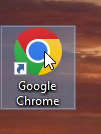
Step 1: Open Google Chrome web browser
Step 2 Left mouse button click on 3 dots button to open the menu.
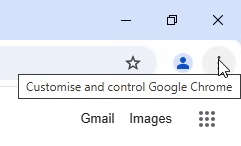
Step 3 Left mouse button click on the
Settings.
Step 4 Left mouse button click on the
Apperance.
With click on the Home button
Step 5 In the line of
Show Home Button switch the button ON  (to show
  or OFF
  (to hide ).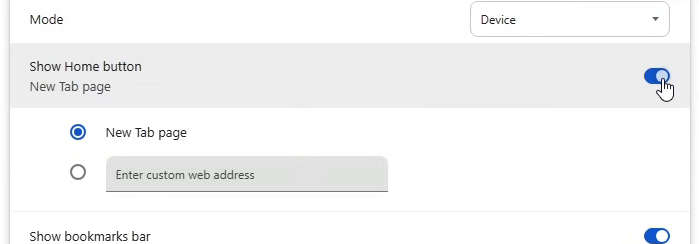



(This was based on Google Chrome version 134.0.6998.36 on the Windows 10 22H2 64-bit)